
Scan or add your board
Got a QR code from your pool? Scan it and the teams and payouts fill in. No code? Enter the board yourself. Then add the squares you own.

Private. Offline. Ready for game day.
Save your squares once. Enter the score after each quarter, and Did I Win? shows if you won and how much, including reverse and bonus payouts.
Free to download for iPhone and iPad. One board is always free, and a one-time unlock adds unlimited boards and games. No subscription.
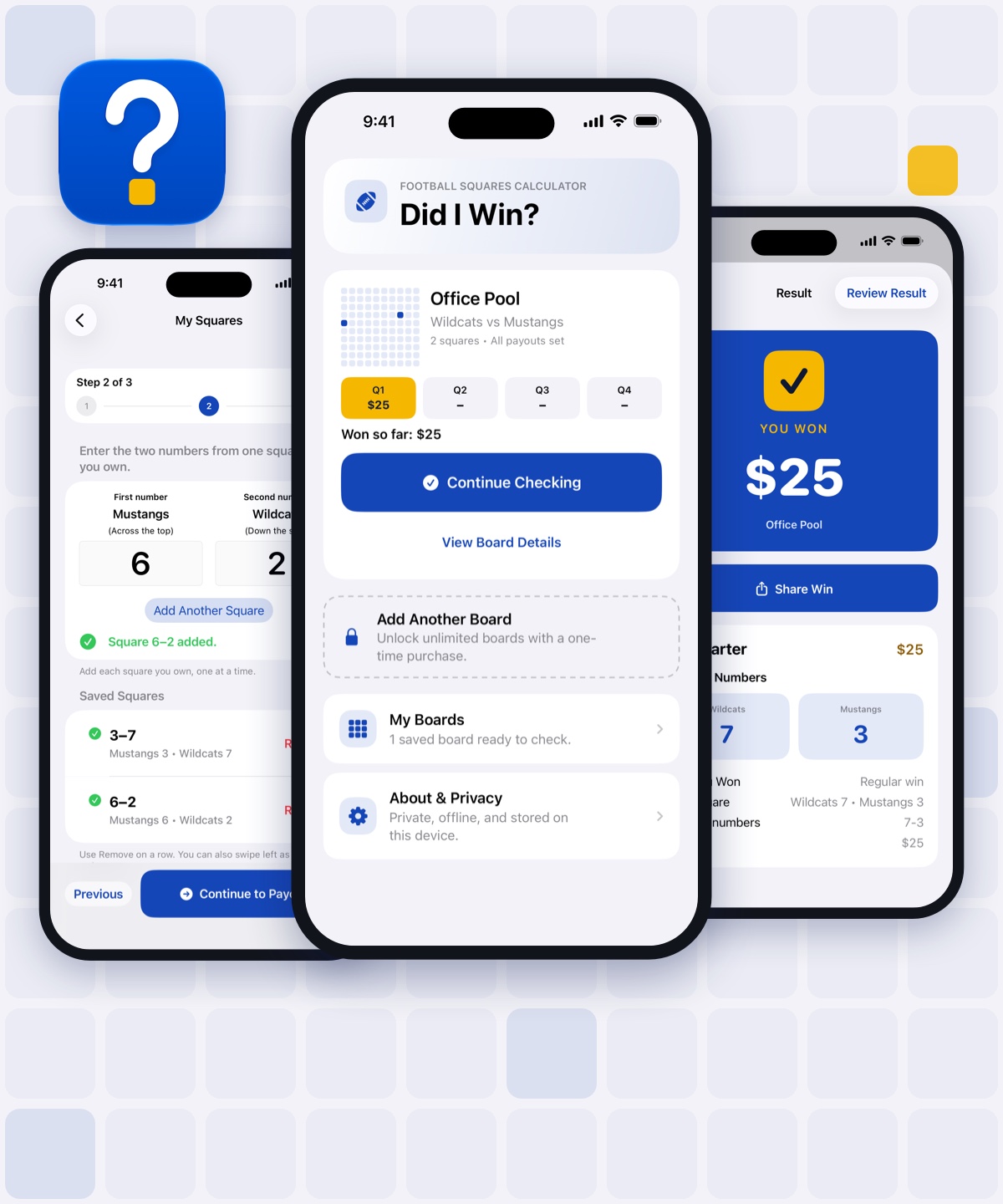
How the app works
Did I Win? handles the checking so you can enjoy the game.
Got a QR code from your pool? Scan it and the teams and payouts fill in. No code? Enter the board yourself. Then add the squares you own.
At the end of each quarter, enter the full score shown on TV.
The app checks every saved square and payout rule, then shows the result clearly.
New to squares?
A squares board is a 10 × 10 grid. One team’s numbers run across the top and the other team’s numbers run down the side. Each square you own is where two numbers meet.
Did I Win? does this for every square you own, every quarter.
More ways to win
Many pools pay more than one square each quarter. Your pool owner sets these rules, and they come with the board code when you scan it.
The square matching the last digits of the score.
The same two digits, with the teams swapped.
Adds 2 to each team’s score before checking.
The real app
Every screen is designed to answer one question without making you work through the board math.
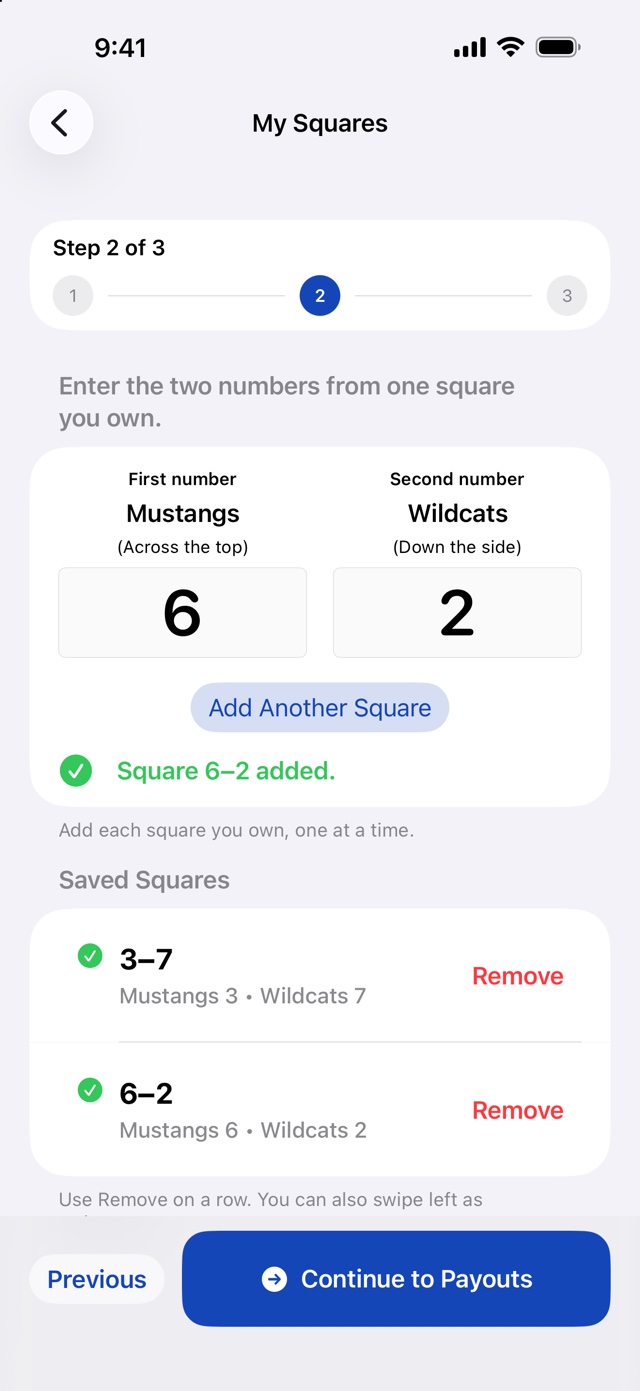
Match the board orientation, enter each owned square once, and keep it ready for every quarter.
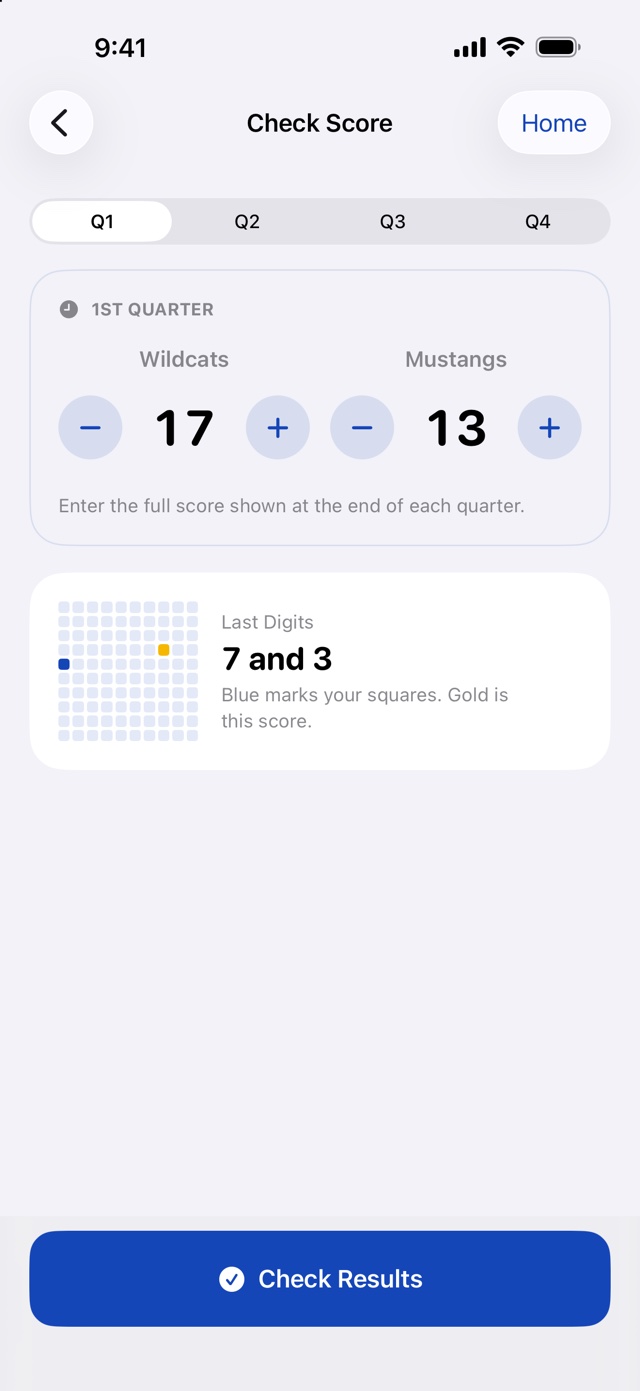
Choose the quarter, enter both full scores, and let the app handle the winning digits.
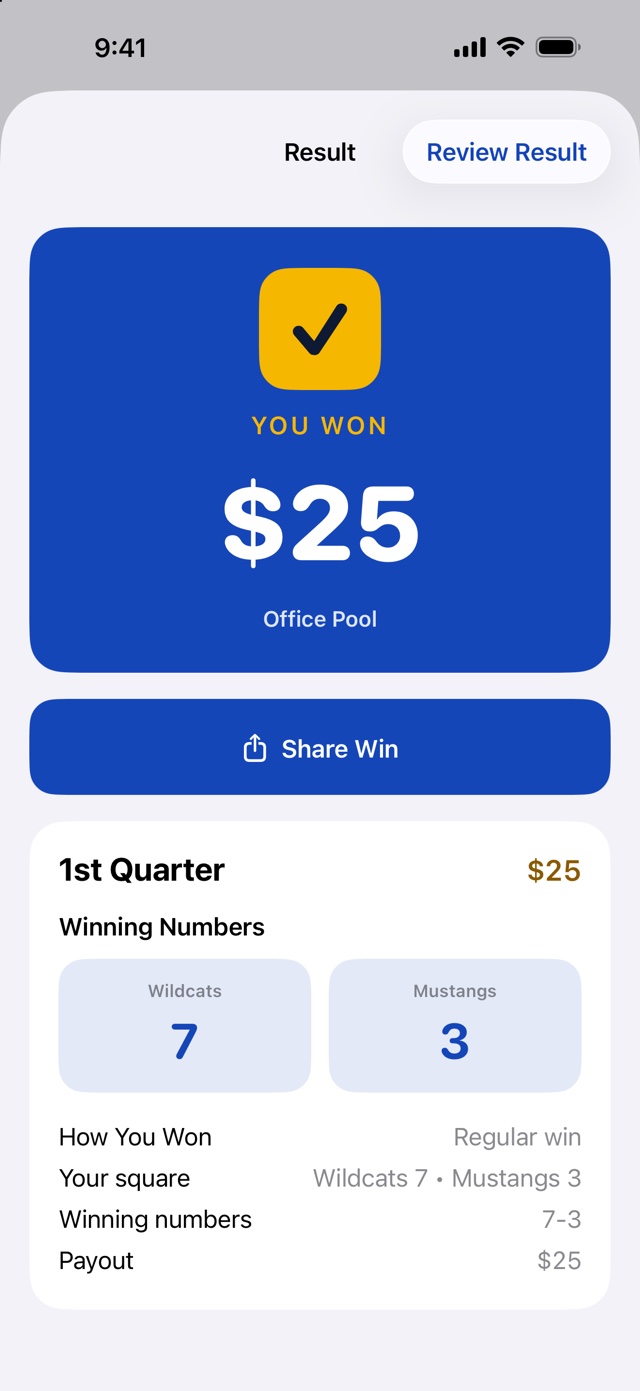
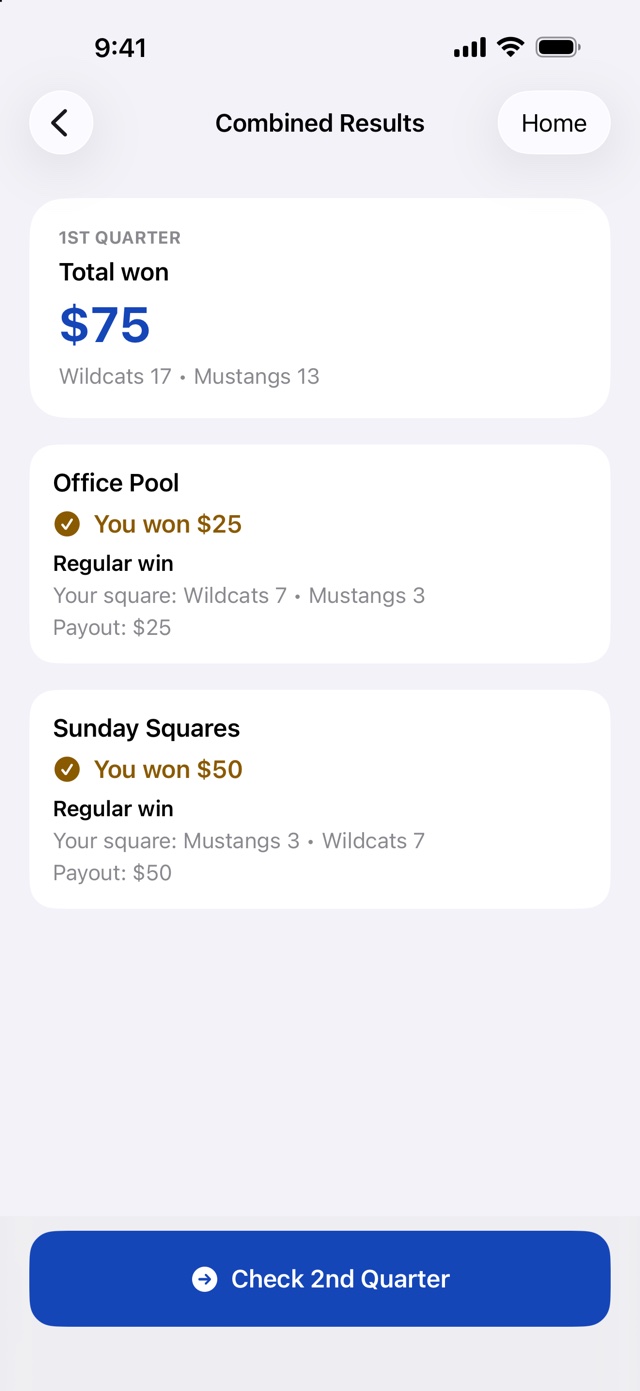
See the winning numbers, how you won, your matching square, and the payout in one clear result.
Multiple boards, one game
Group boards for the same matchup and Did I Win? checks all of them together—even when a board has the teams reversed.
Built for game day
No live score feed, account, or spreadsheet is required. You enter the score you see, and the app checks the boards and rules you already saved.
Regular, reverse, and bonus payouts your pool adds are checked together.
Group matching boards and enter each quarter’s score only once.
Your boards, squares, and scores stay on your device.
See the winning numbers, matching square, payout type, and total won.
Questions
Yes. The app is free to download, and one board is always free. A one-time in-app purchase unlocks unlimited boards and games that check several boards at once. There is no subscription.
Open Did I Win?, add a board, and choose Scan Board Code. The teams and payouts fill in for you, and you add only the squares you own. If the code was sent as a picture, use Choose from Photos instead.
Add the board yourself. Enter the two teams, which one runs across the top, the payout for each quarter, and the squares you own. It only takes a few minutes.
No. You enter the score you see on TV after each quarter. That keeps the app private, offline, and working for any pro or college game.
No. It includes only the shared board setup. Every player enters their own square numbers in the app.
Support & privacy
Start with quick answers, contact support, or review exactly how Did I Win? handles your information.
Learn how scoring, board codes, and the free version work.
Read common questionsNeed help with setup, a board, or the QR generator? Send us a message.
Contact supportNo account is required. Boards are not uploaded or synced to the cloud.
Read the privacy statementThe app works offline. The QR generator runs in your browser and does not upload or store the generated code.
Did I Win?
Save your squares once. Enter the score and let the app check the rest.